This is the best way to use Sonnet 5.5
Plus, GPT-6.1 Sol, OpenAI's Dots, and Google's insane announcement
What's good, everyone!
Once again, a lot of stuff dropping. I mean, a lot.
Here's everything you need to know.
📌 TL;DR
- Anthropic dropped another insane model → Sonnet 5.5, six days after Opus. Half the price of Opus 5.5 and over 30% faster than the last Sonnet. Plus the best way to use it in Claude Code.
- GPT-6.1 Sol is good. Dots feels rushed. → Sol comes close to Opus 5.5 for about half the price. Dots are OpenAI's always-on agents, and even the live demo broke.
- This AI is seriously good at editing images → the ones who always got text right now have the most precise edit model. I tested it on my clothing brand.
- Get the most out of Opus 5.5 → my tips after a week with it, starting with: stop telling it to "think carefully".
Anthropic dropped Sonnet 5.5
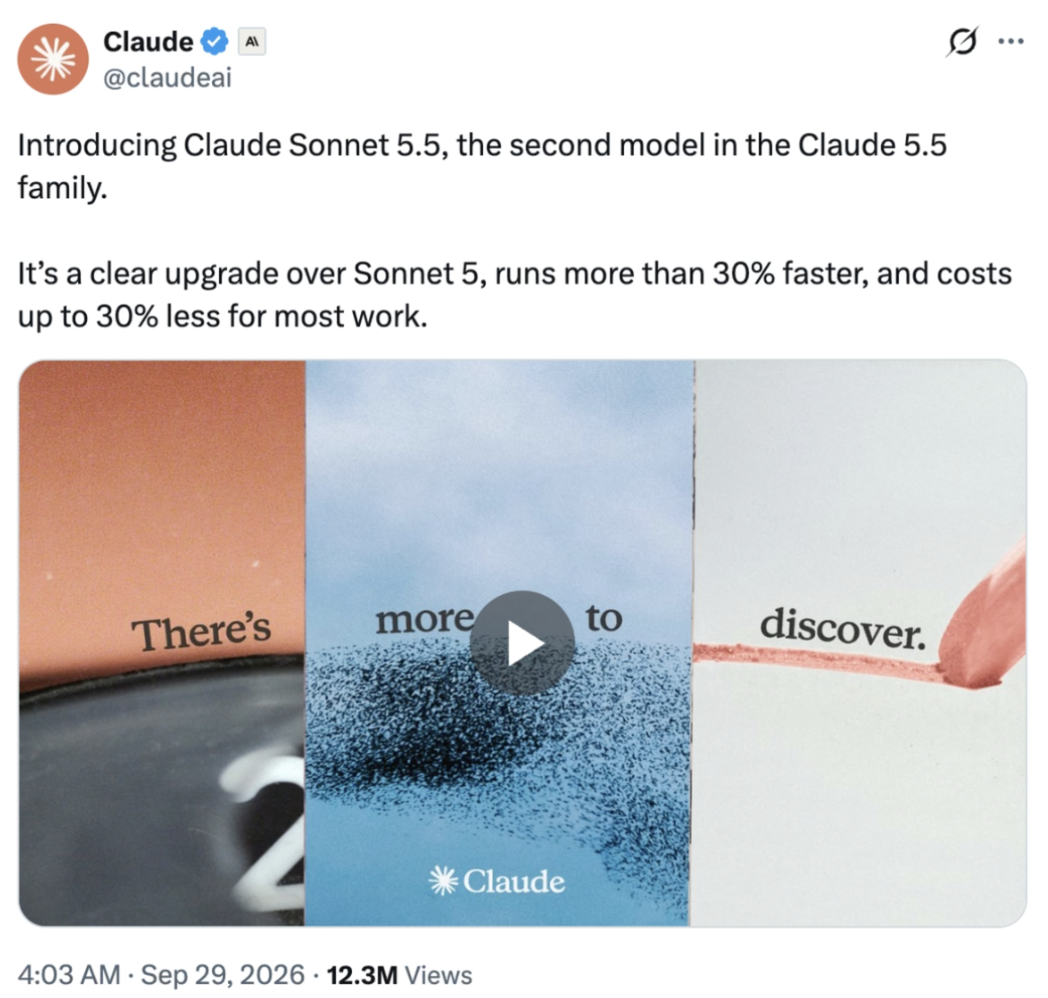
I mean, this is just crazy at this point. Anthropic launched Claude Sonnet 5.5 six days after Opus 5.5.
If you don't know Sonnet, it's basically the middle model: cheap, while still providing decent intelligence. It's the best everyday model to use.
It's over 30% faster and up to 30% cheaper per task compared to the last Sonnet model.
Compared to Opus 5.5, it's half the price, and literally better at coding in some benchmarks.
People have been building some crazy stuff with it.

Listen up, because this is the best way to utilize this model.
And if you're not really into Claude Code and building more technical stuff with Claude, feel free to skip ahead.
Sonnet 5.5 isn't the smartest model Anthropic makes, and it doesn't need to be. It's fast and half the price of Opus 5.5, which makes it the best sub-agent so far (a sub-agent is a helper copy of Claude that takes one piece of the job).
So here's how I'd use it. When you get Claude Code to build something, let the smart model be the brain.
Opus 5.5 or Fable plans the build, breaks it into steps, and decides what "done" looks like for each one. Then it hands those steps to Sonnet.
Sonnet is great at following a clear plan. Give it one and you get work very close to Opus, for half the price.
You can literally just tell it: "You're the planner. Plan this out, then hand each step to a Sonnet 5.5 sub-agent with clear instructions and what done looks like. Check every result before you accept it."
GPT-6.1 Sol & Dots
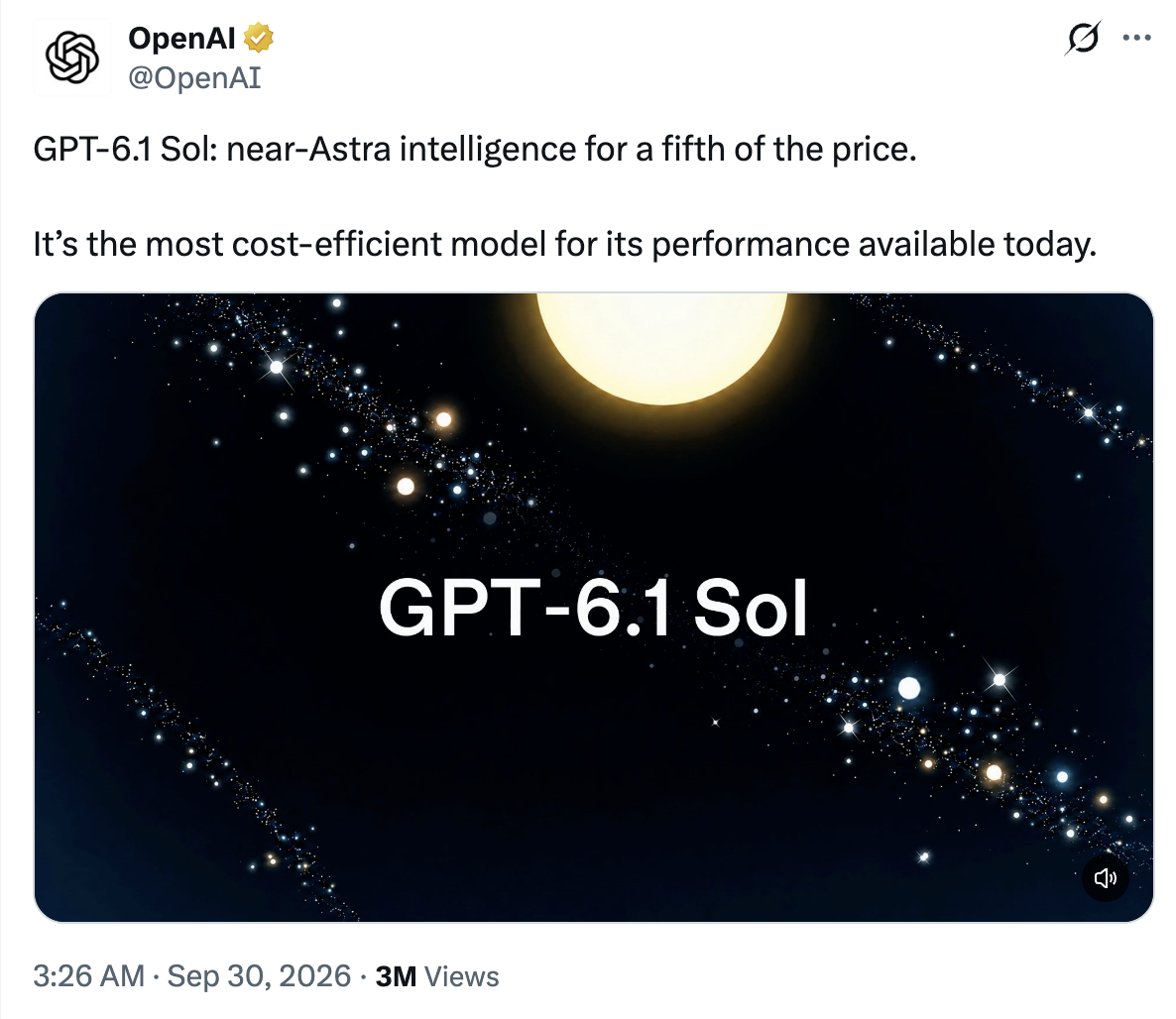
After the underwhelming release of GPT-6 Sol last week, OpenAI released GPT-6.1 Sol.
It sits in the middle of the ChatGPT lineup: GPT-6 Astra at the top, GPT-6.1 Sol in the middle, and GPT-6 Luna (cheap and fast) at the bottom.
It's about half the price of Opus 5.5, with pretty similar intelligence. From my own testing, and from other people I know testing it, quality-wise it comes pretty close to Opus 5.5, while being literally 50% cheaper.
OpenAI says it's near-Astra intelligence for a fifth of the price. So not gonna lie, that's pretty good.
i have a feeling that Anthropic will definitely be releasing a new model soon that could top all of this.
DOTS
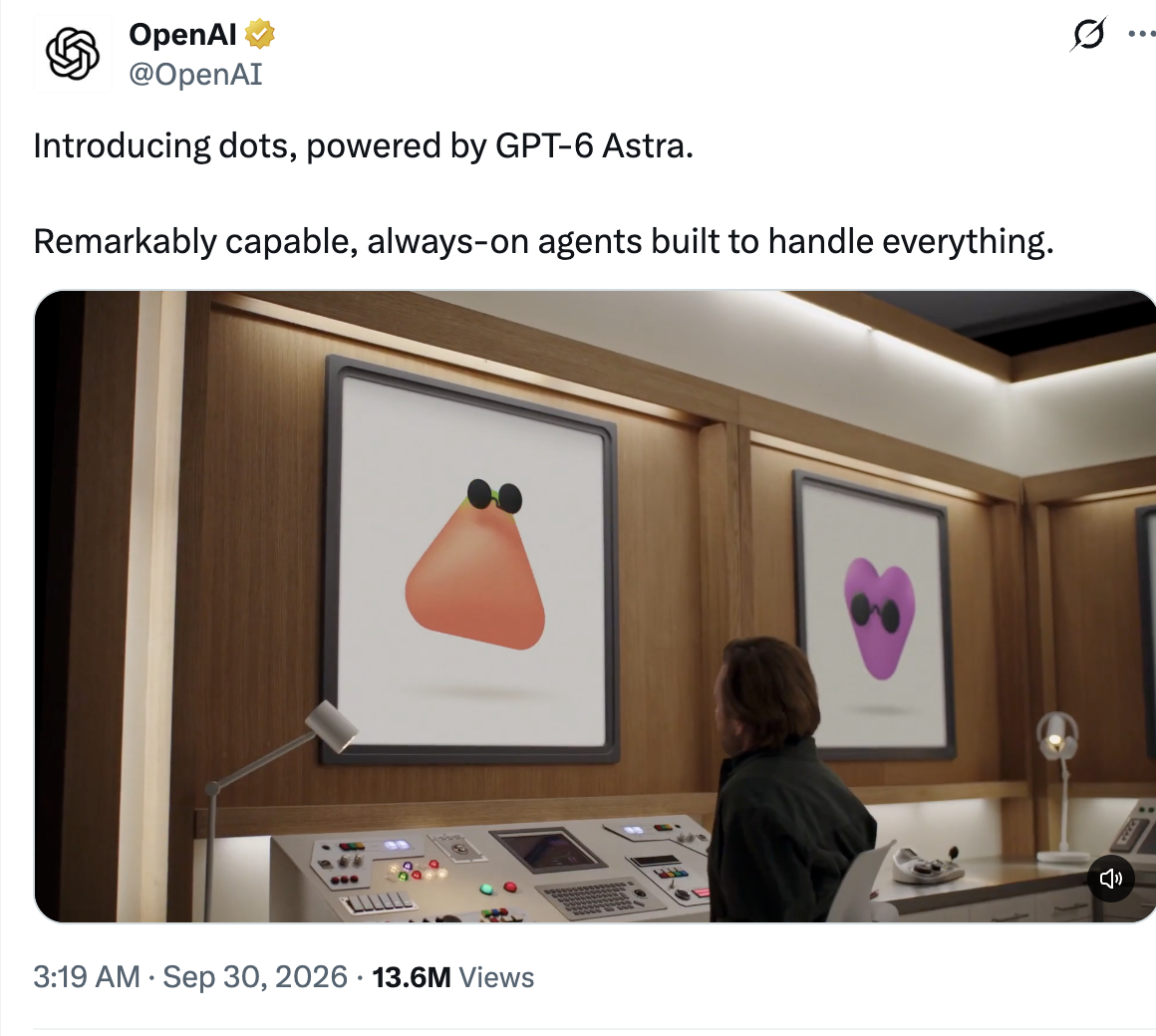
On the same day, at OpenAI's developer event, they launched dots: always-on AI agents inside ChatGPT, powered by GPT-6 Astra. You need ChatGPT Pro to get it (it's not on Plus).
Each dot has its own cloud computer and browser, so it keeps working after you close the chat. You can message or call it from your phone, Slack or Teams. It connects to 4,000+ apps, and you choose what needs your approval first.
If you've been reading my newsletters, that probably sounds a lot like Grok Bot or Meta's Muse. OpenAI obviously wanted to catch up.
I had a try of it, and it definitely feels rushed. Even the live demo on stage didn't work. Someone from OpenAI rang her dot, it said "Checking that now"... and then went silent. Her words: "I guess Dottie's having a slow morning."
Honestly, Muse is probably the best of the three right now, especially if you're non-technical. The app is way cleaner and there's a free tier (US and Canada only for now).
Dots makes more sense if you already pay for Pro and live in Codex. For everyone else, it's a nice-to-have.
Ideogram 4.5 is seriously good at editing images
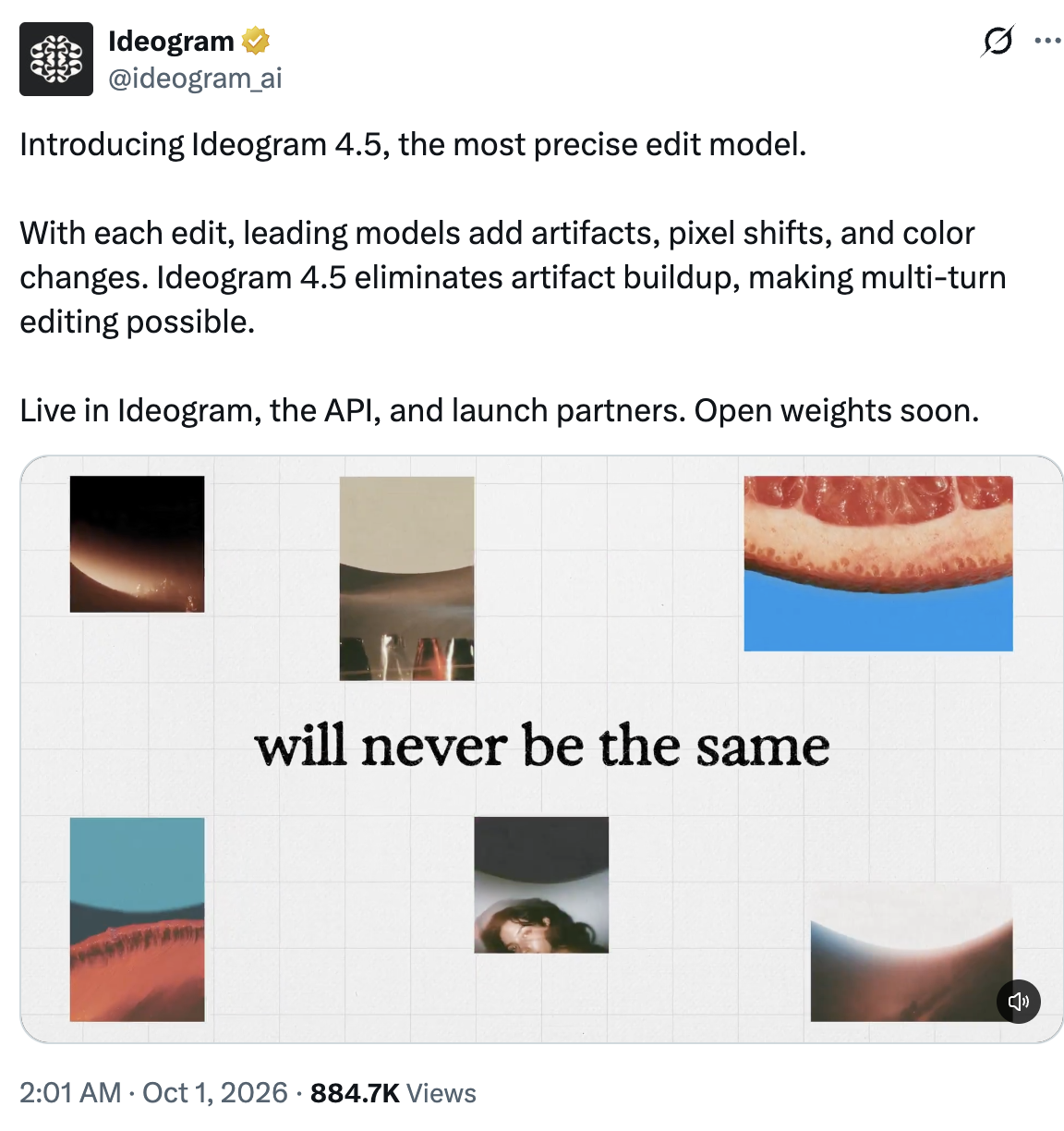
Ideogram launched their new best AI image editing model, Ideogram 4.5.
If you haven't heard of Ideogram, they make their own AI image model, and they've always been the ones that actually get text right. Posters, logos, signs, the stuff ChatGPT still spells wrong.
It's the most precise edit model.
This absolutely destroys ChatGPT Images 2.5 for any image editing. Here's a comparison.
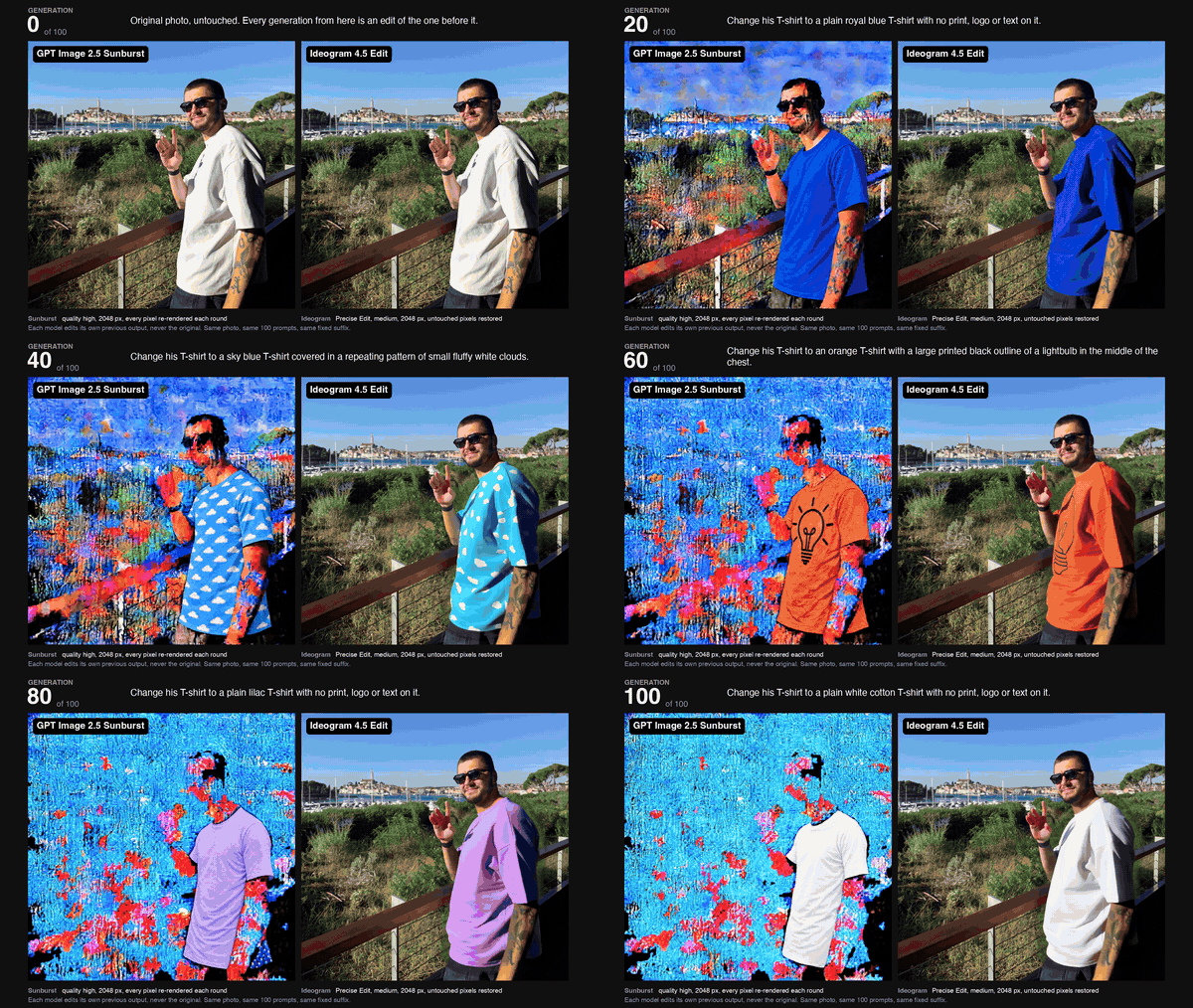
I've been using it. I've been testing it out on my clothing brand, and I'm pretty impressed.

You also get some free credits to start.
Also this week...
Claude Code now has mods → basically add-ons that change how Claude Code looks and works, like a bar above where you type. Just ask Claude Code to build you one.
ChatGPT has a new Ultrafast mode → it runs GPT-6 Astra, OpenAI's best model, up to 8 times faster in Work and Codex. It's only on the new top Pro tier, and it eats your usage 8 times quicker.
Grok Bot can now run your errands from inside a Tesla → ask it to order a coffee, book a restaurant or clean up your email while you drive. Top SuperGrok plan only. It also got bank account links and Team Bots, one shared Bot for your whole team.
Google announced Gemini 4 Argon → nobody expected this one. It's Google's new top model, and in Google's own tests it beats Opus 5.5 and GPT-6 Astra on 12 out of 18. For now, only approved cyber-security teams can use it.
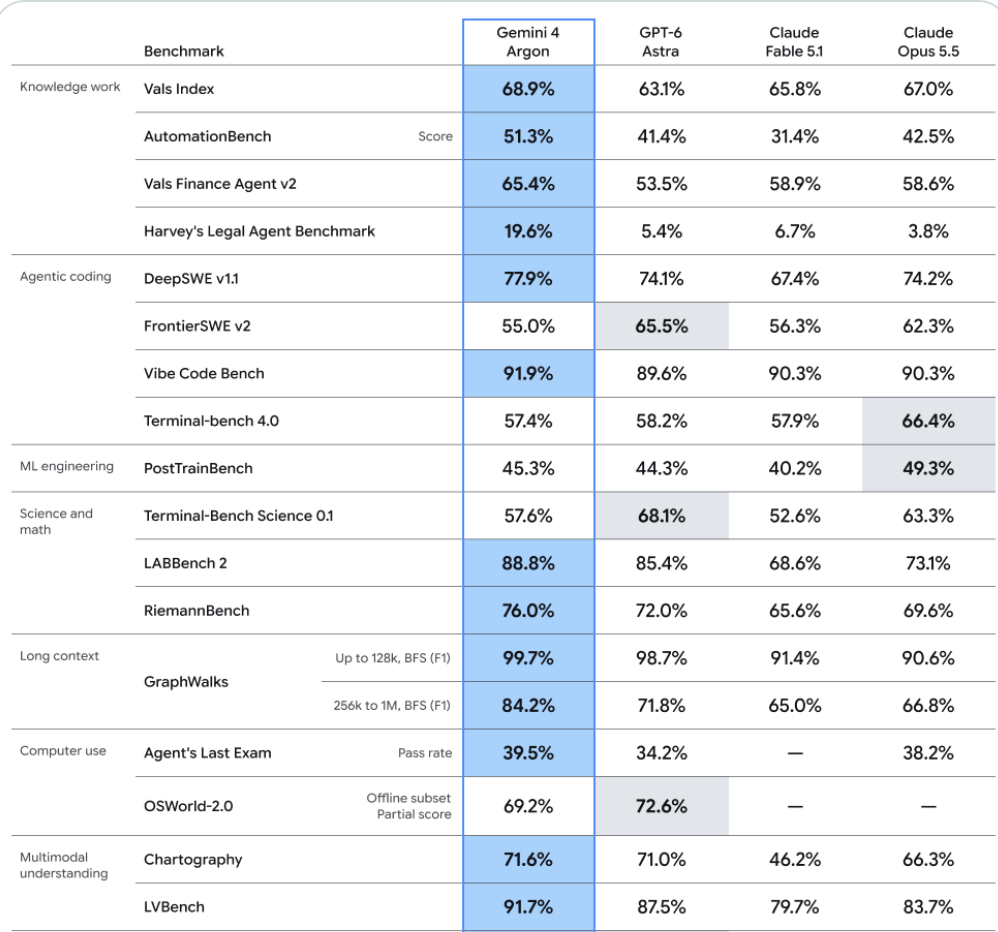
like WTF!
💡 Builder's notes
Get the most out of Opus 5.5
Haven't done a lot of building this week, but I've definitely been messing around with Opus 5.5. Here are some tips to get the most out of it.
- Stop telling it to "think carefully." It already thinks before every reply and decides how much on its own.
- Start on medium effort. Effort is how hard Claude thinks before it answers. Medium hits the sweet spot of quality and speed. Save high for genuinely hard problems.
- Tell it what "done" looks like. Hand over the whole task in one message, say what finished looks like and when to stop and ask. Then let it work.
- Tell it to look around first. On big tasks, get it to check your other docs, Gmail or spreadsheets before it starts, so it's not missing anything.
- For design, name the styles you don't want. "Make it less generic" won't work. Say "don't use cream or off-white backgrounds" or "no italic accent words."
- Effort level. Medium is a good all-rounder. It hits that sweet spot of performance and speed. Switch to high or extra high for a complex task.
🧰 Tools to try
Libraries.dev skill → a skill for expressive UI. It teaches Claude where and how to use animated effects in your project, so your website looks less generic and more expressive.
4 premium-looking fonts → Sora, Neue Montreal, Aktiv Grotesk and Apfel Grotezk. Save them for your next website.
Logo Design Skill → turns Claude into a logo designer. Give it your brief, it shows you three concepts, you pick one and it spits out the logo files and a brand guide.
💎 Cool finds
Figure made their robots jump into a vat of molten steel → they trained the old F.02 robots to make the jump on their own, shipped them to Finland and filmed it to retire the model. Behind the scenes here. Absurd.
Someone recreated Spider-Man with Opus 5.5 → it runs in your browser, built from Blender, AI images and three.js (code that draws 3D on a web page). Third try, on medium effort. Looks pretty insane.
The infinite FAQ → very cool little website addition. Will definitely be adding this to mine.
That's it for this week.
Hope you got some value.
Cheerio, chaps.
Hugo
Sign up for more sauce like this
Useful AI, once a week. Written by an actual human. Free forever.
Sent 2 Oct 2026 · Issue #12