I built an AI pickleball receptionist
plus, the ChatGPT feature that beats Claude
hello hello hello
Hope you guys are doing well.
Sit down, relax, and dig into this juicy email.
📌 TL;DR
- A well-needed quality of life update on Claude → Cowork and chat merged into one, and Projects can now run several jobs at once.
- Higgsfield launched their API → no more subscriptions, you pay per generation. Plus why I'm still sticking with KIE for now.
- This ChatGPT feature is underrated → talk to it from your phone while it does the work on your laptop.
- I built an AI receptionist for a pickleball club → made with Fish Audio's voices, plus how to build your own.
Claude becomes one
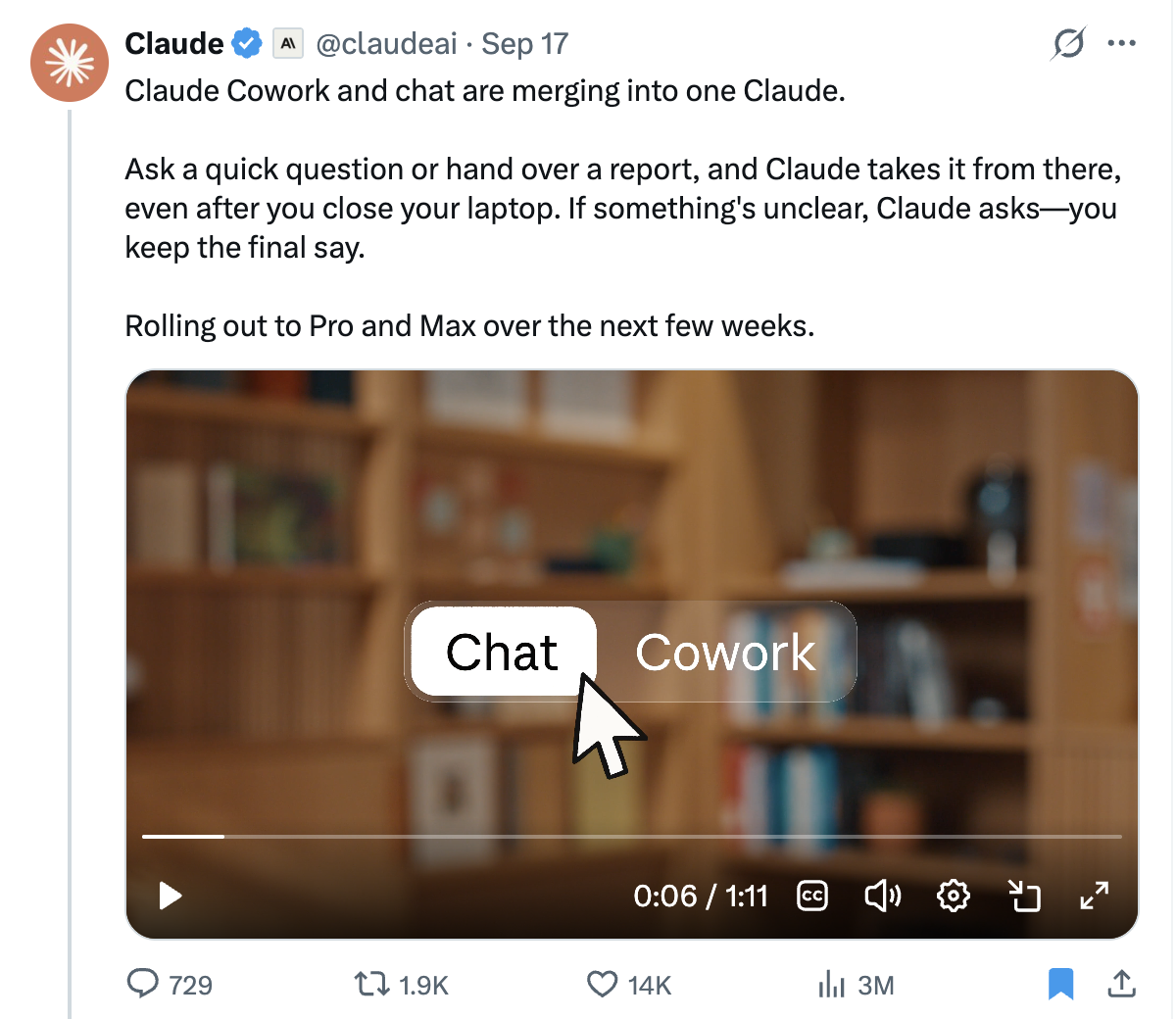
Claude just launched some nice quality of life updates. They have merged Claude Cowork and chat into one.
Before this, especially if you weren't technical, it was hard to figure out when to use each one.
Now, all you have to do is ask a quick question or hand over a report, and Claude takes it from there.
Even after you close your laptop. Anthropic's own reason for the merge:
"People used both, and told us the frustrating part was deciding where a task belonged."
It'll be rolling out to Pro and Max over the next few weeks.
The day after, Anthropic rebuilt Projects.
A project used to be a folder you dropped files and instructions into.
Now it is a conversation with a boss and a set of workers. You set a goal, and Claude scopes the job, splits it up, and runs several "threads" at once, each thread a full Claude session doing one piece.
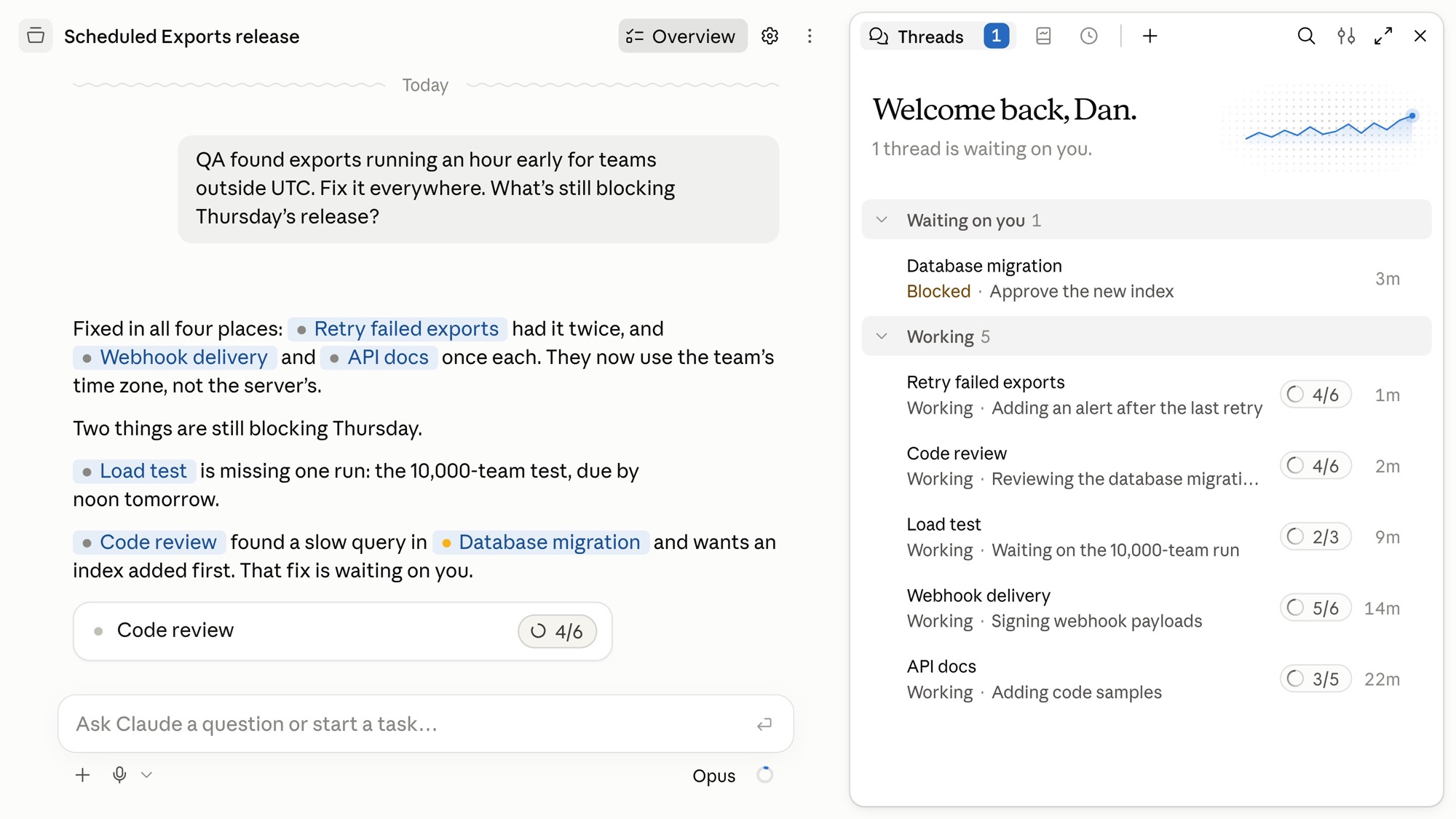
Anthropic's line is that you brief it "the way you'd brief a chief of staff".
I can definitely see how Anthropic is moving towards one AI super app, which I think will be just way better.
The future is really just gonna be one simple chat or voice interface. You'll never have to customize settings or tweak the back end, or know all these different tools and settings.
Higgsfield's launched their API
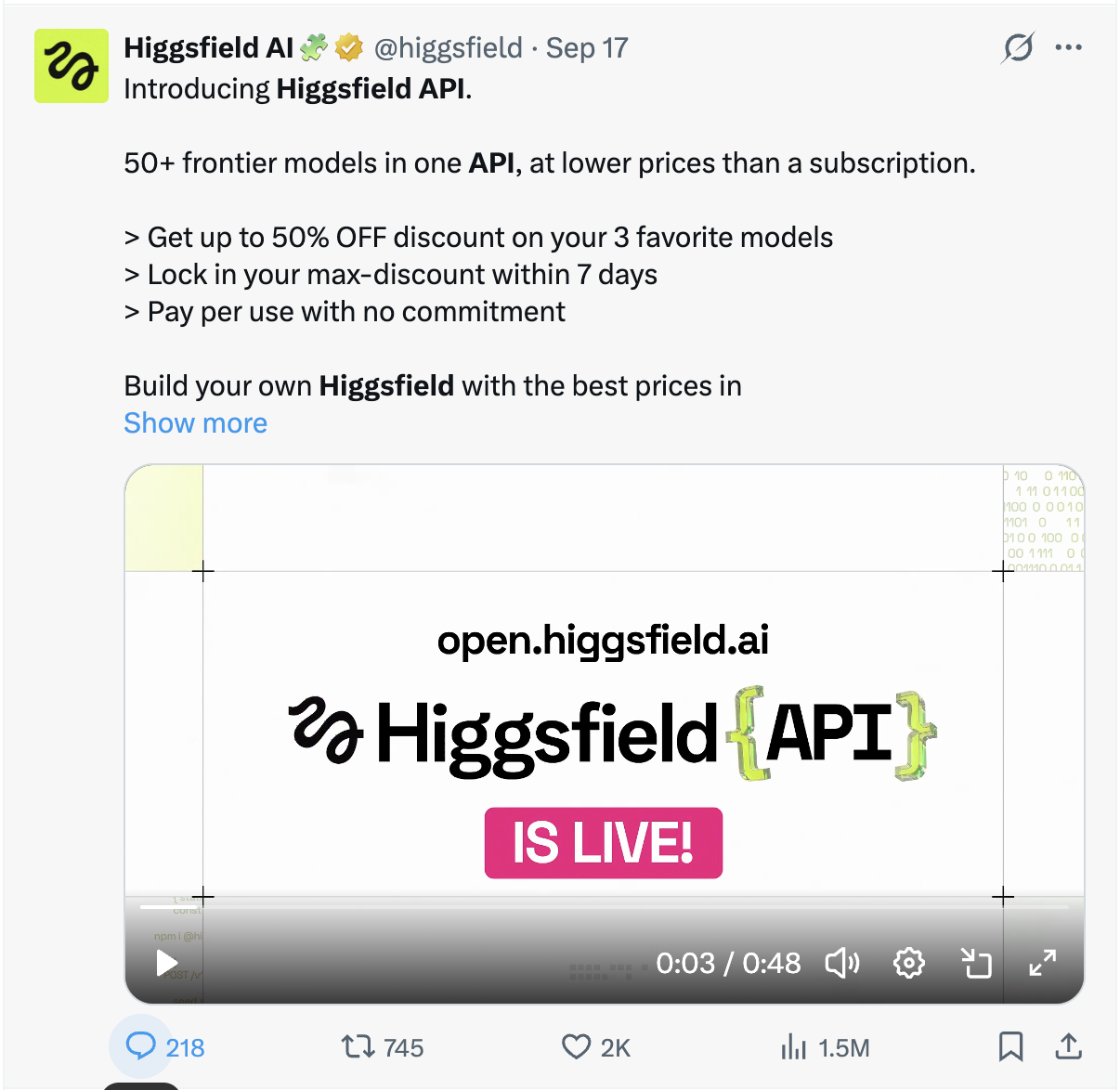
Higgsfield, the number one AI video and image platform, has just opened an API.
So think: creating assets for your website, stock images, UGC product shoots, logos, everything.
And if you don't know what an API is, to simplify it, it's a way for your own AI to use someone else's software without opening their website.
I've been using Higgsfield since they launched, and it's a pretty good site.
The only thing that infuriated me is how expensive it is and how annoying the subscriptions are.
Before this, you would have to pay pricey subscriptions every single month just to be able to generate some photos or videos. Now that they released the API, you can basically pay as you go per generation.
So if I wanna generate a video of a cute dog, I can just do it once, and I don't have to pay a full subscription to do that.
Only problem is that they've basically got hardly any models yet. They've only got a select few and don't have the main ones like ChatGPT Images, Gemini's Nano Banana Pro, etc.
So I'll stick to using KIE.ai for the time being, which is the exact same thing, and you get access to all the AI image and video models.
I use this for any video or image generation inside Claude. I use it to make all my YouTube thumbnails. It's pretty good. I definitely recommend it.
This ChatGPT Feature is underrated
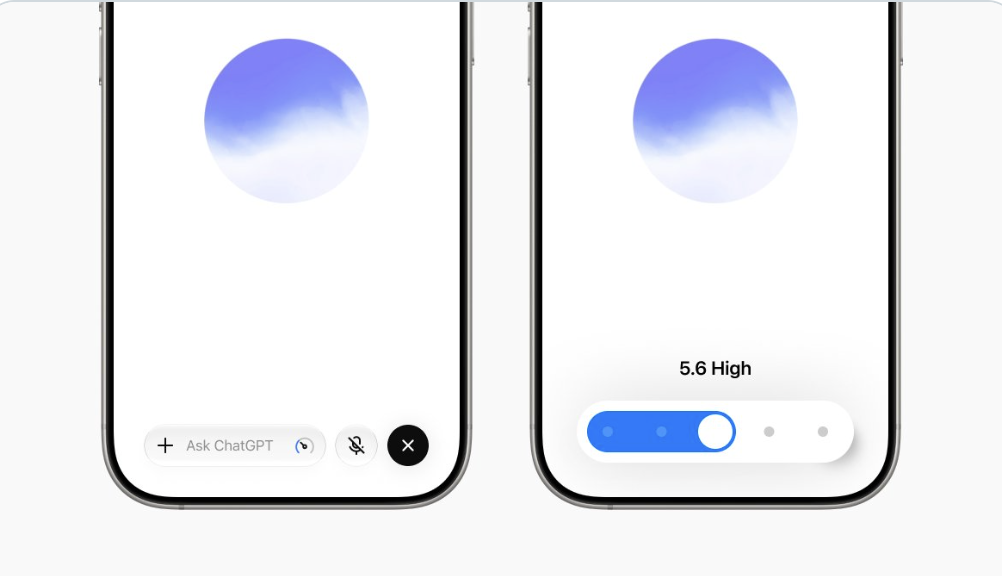
I found a feature today that barely anyone's talking about, and on this one it obliterates Claude: voice mode in the ChatGPT desktop app.
It lets you have real spoken conversations with ChatGPT. This isn't dictation. Dictation turns your speech into text and then sends it. This is a live conversation, like a phone call.
So here's what I did. I went into the Remote section and connected the ChatGPT app on my iPhone to my computer. Now I can be out and about, talk to it like a normal person, and delegate work that actually gets done on my laptop.
The part that makes it way better than Claude is computer use. That just means ChatGPT can use your whole computer the way you would: open apps, go into folders, move between projects.
Claude is much more restricted here. When you use Claude remotely, you're stuck in whatever session you started on your computer. You can't go into another folder or work on a different project. On top of that, you have to open the app, go into the Code section, and type everything out.
How to set it up:
- Open ChatGPT.
- Go into the Remote section.
- Scan the QR code to connect it to your computer.
Also this week...
Grok Bot can talk now → xAI's agent platform Grok Bot just shipped a voice feature, so you can have a natural back and forth with it while it does work in the app. Rolling out over the next couple of days.
Robots did chores in 30 houses they'd never been in → Figure, the robotics company, released Helix 2.5, the AI brain that drives their human-shaped robots. This one learned by watching ordinary people film themselves doing chores, then went into 30 homes it had never seen and tidied toys, folded towels and made beds.
The guy who made Cal AI is building an AI assistant you can wear on your wrist → it's called Persona, a band with no screen, just one ring of light. You talk to it and it makes calls, books things and drafts your replies for you to approve. The launch video is pretty cool. I could definitely see this becoming huge, if everything aligns properly.
💡 Builder's notes
I made an AI pickleball receptionist
I've recently partnered with Fish Audio, as I really like their product and brand. I much prefer them over ElevenLabs. It offers the best AI text-to-speech and free voice cloning.
The voices sound insanely realistic. They even have an emotion tag: you can type "laugh" or "whispering" for the line, and it actually says it that way.
They're just insanely generous. Everything is either free or very cheap. Their best voice model, 2.1 Pro, is free for developers until the end of November.
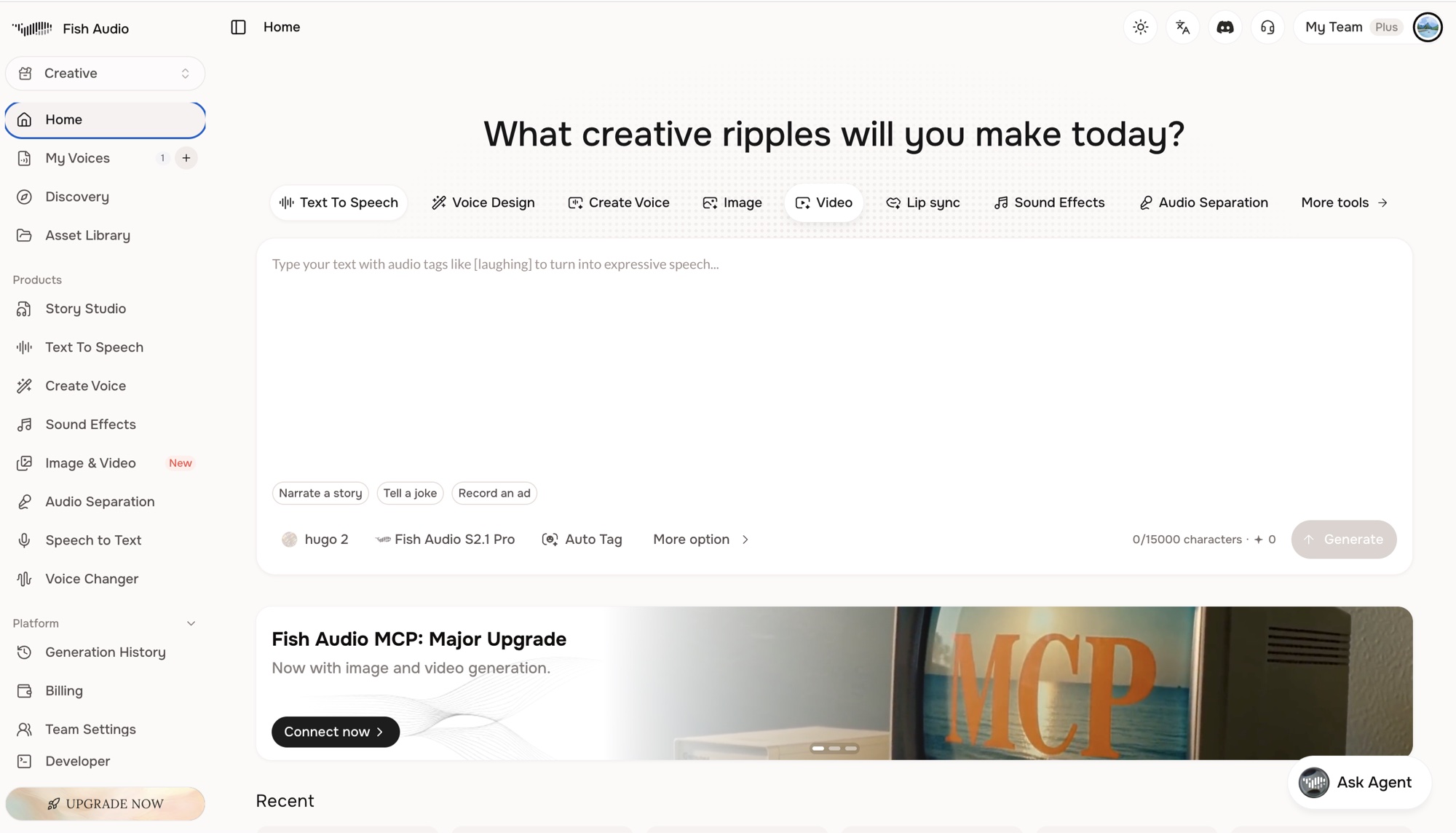
Definitely give it a try here. I've been playing around with it, and I built an AI agent receptionist for a pickleball club. Here is a little demo.
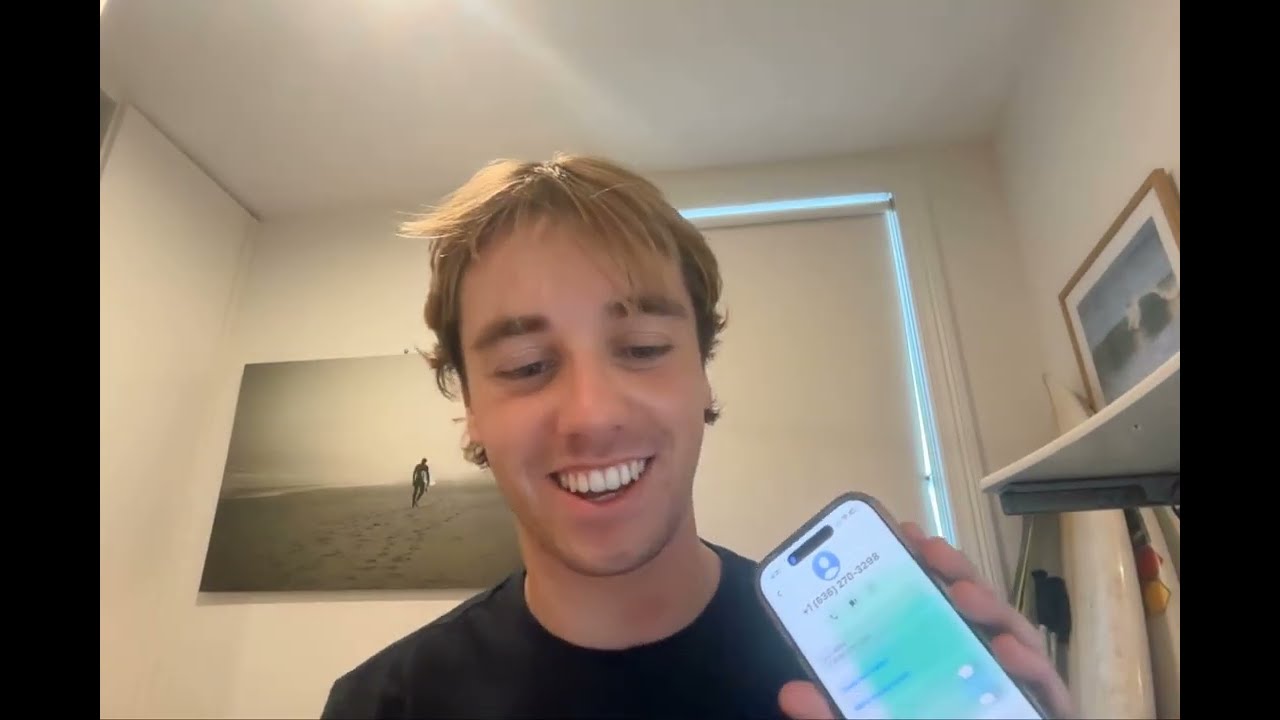
Fish audio AI pickleball receptionist.
If you guys wanna build something like this, just go to Fish Audio here. Press Developer, API Keys. Create an API key.
Give that to Claude or ChatGPT and it'll be able to do pretty much anything.
🧰 Tools to try
anything2explainer → give it any topic and it spits out an explainer video with motion graphics, a voiceover and subtitles.
Oats → free open source version of Granola. It records your meetings on your own laptop without a bot joining the call, then hands you a summary and a to-do list after.
Bang Motion → a skill that lets Claude Code make motion graphics right in your browser. Promos, intros, animated text, that kind of thing.
💎 Cool finds
A man used his Neuralink to talk to his partner with his mind → he has a speech impairment. He thinks the words, they pop up on a screen and a computer says them out loud. The first thing he tells her is "I love you."
Google DeepMind rebuilt a fruit fly's body → it's a full simulation you can run on your laptop. It walks, grips and flies, and people have been teaching it to do all sorts of crazy stuff, like solve a Rubik's cube lol.
Someone built a genuinely useful AI tutor → it's called Aristotle. It talks to you out loud and you can cut in whenever. In the demo it turns a kid's Minecraft sword into a maths problem, then makes him work it out himself.
until next week friends...
-Hugo
Sign up for more sauce like this
Useful AI, once a week. Written by an actual human. Free forever.
Sent 18 Sep 2026 · Issue #10